
A useful WCAG checklist tests how people complete real tasks. It covers the code, but it also checks what happens with a keyboard, screen reader, zoom and small screen.
This 2026 checklist is for UK business websites and online services. It uses WCAG 2.2 as its main test. It also sets out where UK and EU legal duties differ.
Passing a scanner is not enough. A page can have no reported errors and still block someone from buying, booking or asking for help.
Accessibility belongs inside web design, not at the end. Fixing the page structure before launch is simpler than patching each screen later.
What this WCAG checklist covers
WCAG stands for Web Content Accessibility Guidelines. The current W3C Recommendation is WCAG 2.2, dated 12 December 2024.
WCAG has three levels: A, AA and AAA. Level AA includes all A and AA rules. Current UK public-sector guidance names this level.
This guide covers common A and AA checks. It is not a full audit. WCAG 2.2 has testable rules and set exceptions. Use the full standard for a formal result.
Which accessibility rules apply?
The answer depends on who runs the service and who uses it. Do not copy a public-sector statement onto a private company website and assume the legal work is done.
| Website or service | Main position | Practical next step |
|---|---|---|
| Covered UK public-sector site or app | WCAG 2.2 AA is the explicit standard. An accessibility statement is also required. | Test all A and AA criteria, fix barriers and keep the statement current. |
| UK private service provider | The Equality Act 2010 includes duties to make reasonable adjustments for disabled people. It does not state that every private website must meet WCAG 2.2 AA. | Use WCAG 2.2 AA as a strong benchmark. Assess barriers and reasonable adjustments for the service. |
| UK business selling online to EU consumers | The European Accessibility Act covers e-commerce services. Its requirements began to apply on 28 June 2025. Scope and exemptions need checking. | Get advice on the countries, service and business size involved. |
Covered UK public-sector websites and apps
The current GOV.UK guide says covered public-sector websites and apps should meet WCAG 2.2 AA. They must also post an accessibility statement.
Some content and bodies are exempt. A public body may also claim disproportionate burden after a proper assessment. Lack of time or knowledge is not a valid reason. Any claimed burden must appear in the statement.
Private businesses providing services in Great Britain
The Equality Act position is different. The EHRC says websites can give access to goods and services. A website can also be a service in its own right.
The EHRC services code calls the duty to make reasonable adjustments anticipatory. A service provider should look for barriers before a disabled person asks for help.
What is reasonable depends on the facts. The service, provider, funds, likely effect and steps can all matter. WCAG 2.2 AA is a useful test. It is not a blanket rule for every private UK website.
UK ecommerce serving EU consumers
The European Accessibility Act covers online sales. The Directive defines ecommerce as a service used at a distance to make a consumer contract. This can take place through a website or mobile service.
The rules began to apply on 28 June 2025. The Directive exempts microenterprises that provide services. Other details come through national law and enforcement. A UK seller serving EU consumers may need advice on its own reach and duties.

What WCAG 3.0 means in 2026
W3C published a new WCAG 3.0 Working Draft on 3 March 2026. It is work in progress. It is not a standard and does not replace WCAG 2.2.
W3C warns that the draft may change, be replaced or become obsolete. Track it if you plan long-term access policy. Do not use it as proof of a current WCAG pass.
For a website tested now, WCAG 2.2 is the clear standard to use. Public-sector legal guidance also names WCAG 2.2 AA.
Manual WCAG checklist
Start with key tasks, not a random page sample. Include the homepage, menu, search, contact form, account area and checkout where they exist. Our homepage design checklist covers the page order and main actions.
Page structure and content
- Give each page a clear and useful title.
- Use one logical heading order. Do not choose headings for their size.
- Mark lists, tables and regions with the right HTML.
- Set the page language and mark changes in language.
- Use link text that explains its destination.
- Provide a way to skip repeated navigation.
- Keep instructions clear without relying on shape or position alone.
Images, audio and video
- Give informative images alternative text that matches their purpose.
- Use an empty alt value for decoration.
- Keep important words out of images where normal text will work.
- Add captions to prerecorded video with speech.
- Provide an audio description when the picture carries needed information.
- Check controls have clear names and work without a mouse.
Keyboard and focus
- Reach every control with Tab and Shift plus Tab.
- Use Enter, Space and arrow keys where users expect them.
- Keep focus order matched to the visual and reading order.
- Make the current focus easy to see.
- Do not let menus, banners or sticky bars hide focus.
- Escape every modal, menu and media control.
- Return focus to a sensible place after a dialog closes.
Colour, text and layout
- Meet the WCAG contrast rule for normal and large text.
- Check icons, input borders and focus indicators have enough contrast.
- Do not use colour as the only sign of status or error.
- Zoom text to 200% without losing content or controls.
- Test reflow at a 320 CSS pixel viewport.
- Apply WCAG text spacing values and check nothing clips.
- Allow portrait and landscape unless one direction is essential.
Automated checks and human checks
Scan tools are useful for quick checks that you can repeat. They only find faults covered by their rules. A clean report does not prove a WCAG pass.
| Automated tools can help find | People still need to check |
|---|---|
| Missing alt attributes and form labels | Whether the words explain the image or field |
| Some colour contrast failures | Hover, focus, disabled and error states |
| Some heading and landmark faults | Whether the page order makes sense |
| Invalid roles and missing accessible names | Whether a screen reader announces the task clearly |
| Some duplicate IDs and code errors | Keyboard flow, zoom, reflow and touch use |
| Rules present in the loaded page state | Menus, errors, dialogs and content shown after an action |
Use both. A scan checks many pages fast. A person checks whether each task can be done.
Forms and account checks
Forms often hold the most serious barriers. Test them without a mouse and without relying on placeholder text.
Every field needs a clear label. Hints should appear before they are needed. Use the right autocomplete purpose for a name, email or address.
Submit the form with missing and wrong data. The page should mark each error in words. It should say how to fix it and move focus to a useful field or error list. Do not clear correct answers after a failed form.
For a legal, money or data change, let the user review, correct or confirm the action. Do not ask for the same details twice unless there is a real need.
Login also needs care. WCAG 2.2 AA has a rule for accessible authentication. Allow password managers and pasted passwords. Do not make a memory puzzle the only route into an account. Test a customer portal through login, reset and sign-out, not only its public screen.
Mobile, zoom and touch checks
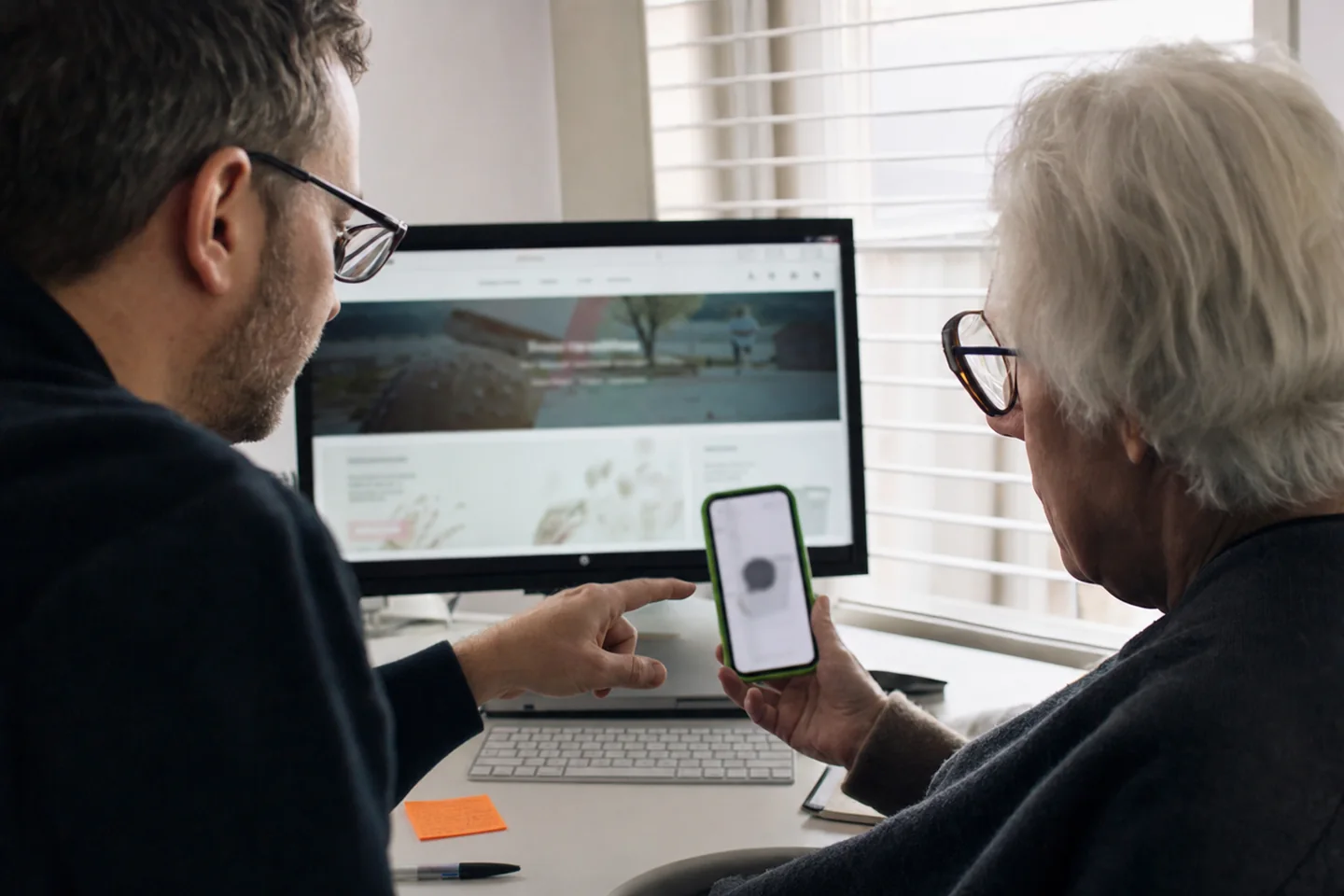
Test on a real phone as well as a narrow browser window. Browser bars, the keyboard and touch input all change the free space.
Pinch zoom should stay on. At 200% text size, content and controls must still work. For most text pages, the WCAG reflow check uses a width of 320 CSS pixels. Users should not need to scroll both ways to read each line.
WCAG 2.2 added a Level AA rule for target size. Most pointer targets should be at least 24 by 24 CSS pixels. WCAG lists some exceptions. Small icons can still be hard to use when an exception applies. Give them room where you can.
Turn the phone to both orientations. Check menus, cookie controls and live chat. Fixed panels should not cover the field being typed into. Test with the platform screen reader and larger text settings.
Good web design plans for these states. Fixing each narrow-screen fault after launch takes more work and can leave the page uneven.
What accessibility evidence should contain
Public bodies can use this proof to support an accessibility statement. Private firms can use it to plan reasonable adjustments and show what was checked. Keep the record with the website, not in a report that nobody updates.
A practical testing order
- List the tasks that matter most to users.
- Run an automated scan across each main template.
- Complete every key task with only a keyboard.
- Test zoom, reflow, mobile touch and screen-reader output.
- Fix the barriers with the greatest user impact.
- Retest the whole journey, not only the changed control.
- Record the result and update public information where needed.
Repeat the checks after big design, content or code changes. New parts can break a route that worked before. A redesign or web development project should include access in its final checks. Use the same clear proof and sign-off shown in our UAT guide.
Common questions
Must every private UK website meet WCAG 2.2 AA?
No blanket UK rule says every private website must meet WCAG 2.2 AA. Private firms still have Equality Act duties, including reasonable adjustments. WCAG 2.2 AA is a strong way to test code and design barriers. Get legal advice for your own service.
Can an automated scanner prove compliance?
No. A scanner can find some code and contrast faults. It cannot decide whether every task works with a keyboard, screen reader, zoom or clear instructions.
Should a 2026 project use WCAG 3.0?
Track it, but do not treat it as the current standard. The March 2026 document is a Working Draft. WCAG 2.2 remains the current W3C Recommendation.
Does a private website need an accessibility statement?
The public-sector rules make a statement an explicit duty for covered bodies. A private firm may still post useful access details and a contact route. Do not copy a claim you have not tested.
If users are blocked by your website, start with the task they cannot finish. Our team can review the route and its code through Dev Moves contact.
Official source notes
- W3C Web Content Accessibility Guidelines 2.2, W3C Recommendation dated 12 December 2024.
- W3C Accessibility Guidelines 3.0, Working Draft dated 3 March 2026.
- GOV.UK accessibility requirements for public-sector websites and apps.
- EHRC Services, Public Functions and Associations Statutory Code of Practice.
- European Commission overview of the European Accessibility Act.
- Directive (EU) 2019/882 on accessibility requirements.